Getting Started
Learn how to create your status page and start monitoring your services in minutes.
What you'll do
- 01Create a free QUICCSTATUS account
- 02Set up your first status page
- 03Add a monitor to track your service
- 04Share your public status page with your users
Open the Login Page
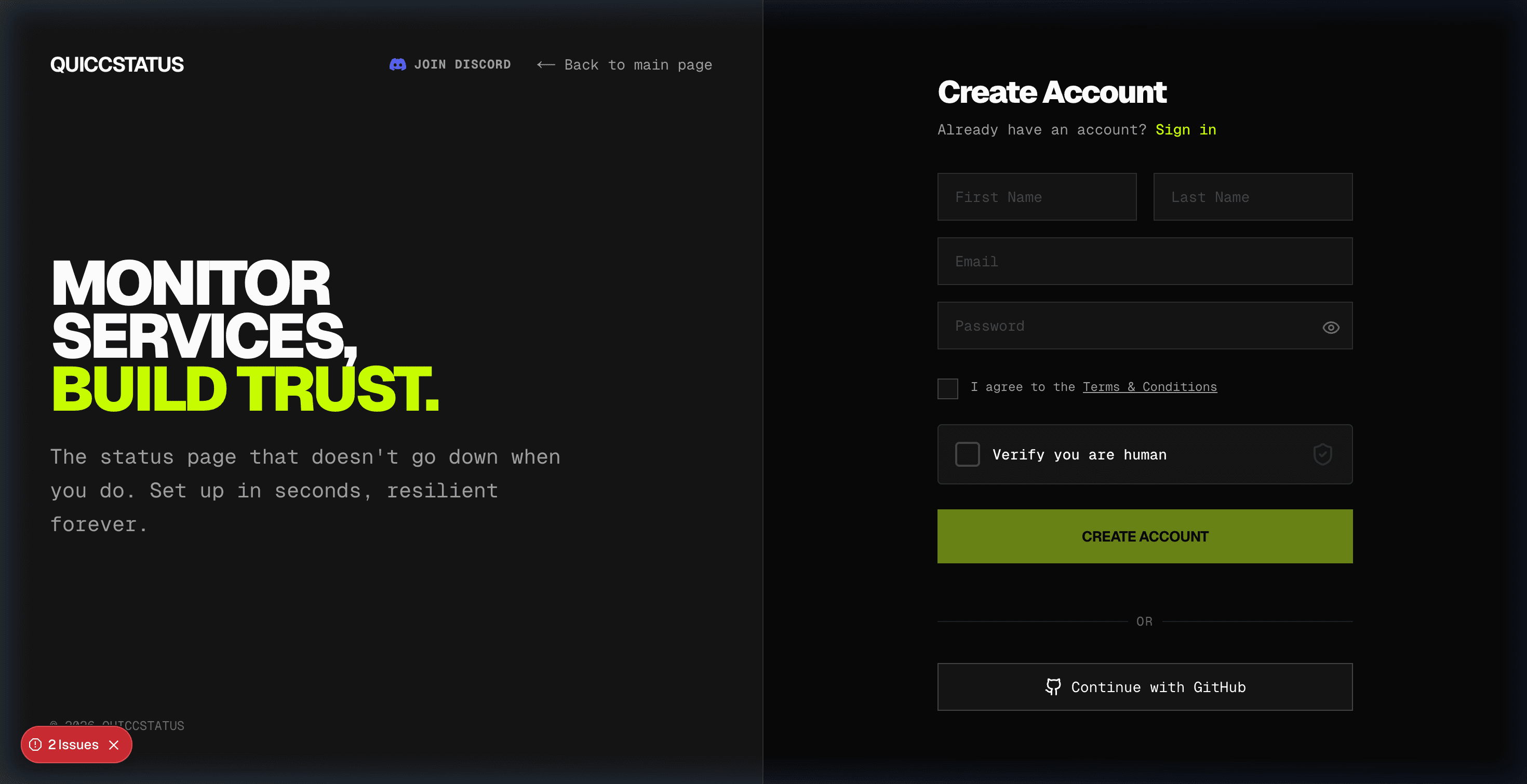
Navigate to the QUICCSTATUS login page. You can create a new account with email and password, or sign in with GitHub. The registration form asks for your first name, last name, email, and a password.
Create Your Account
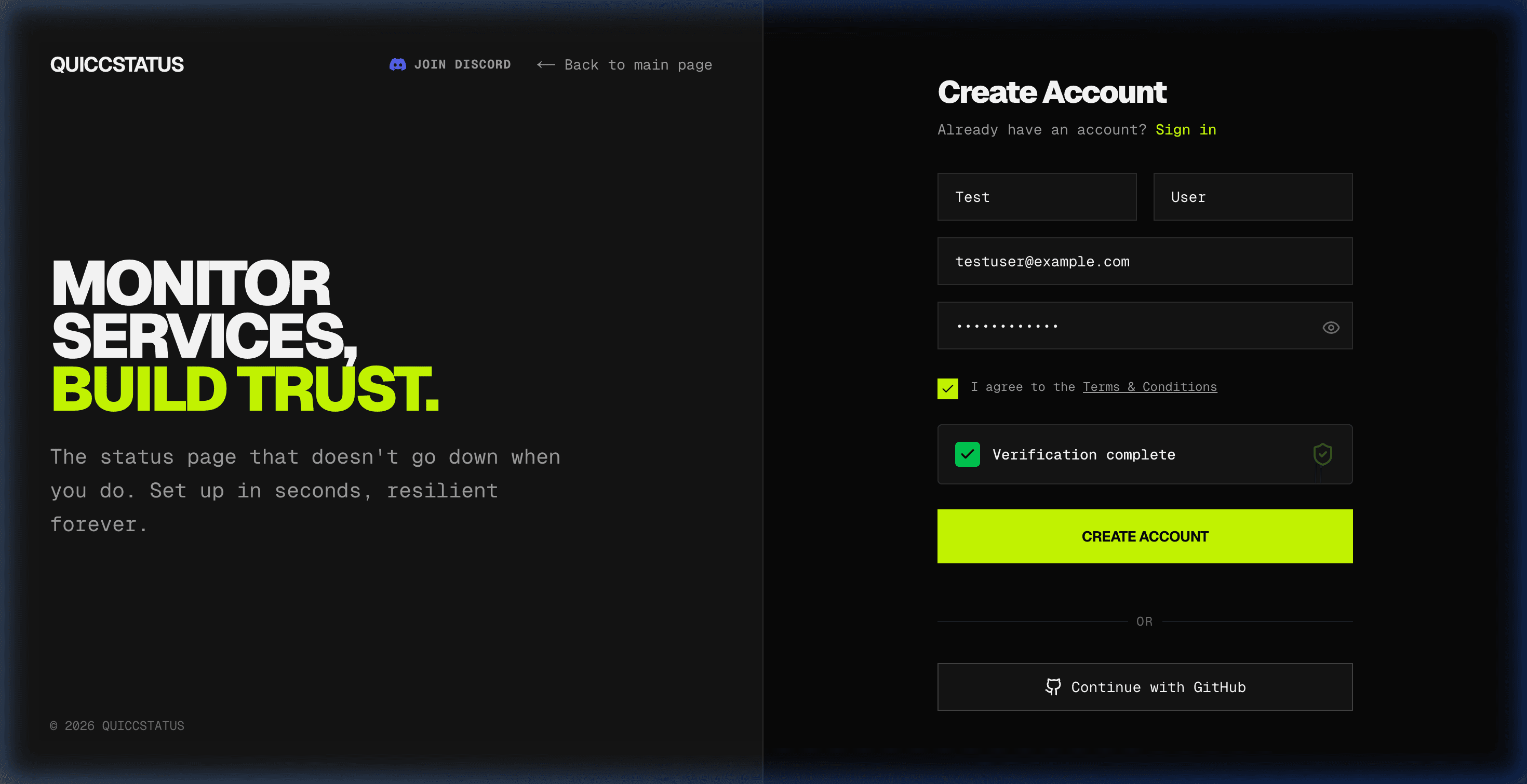
Fill in your details: first name, last name, email address, and a secure password. Check the Terms & Conditions box, complete the human verification, and click Create Account.
Your Dashboard
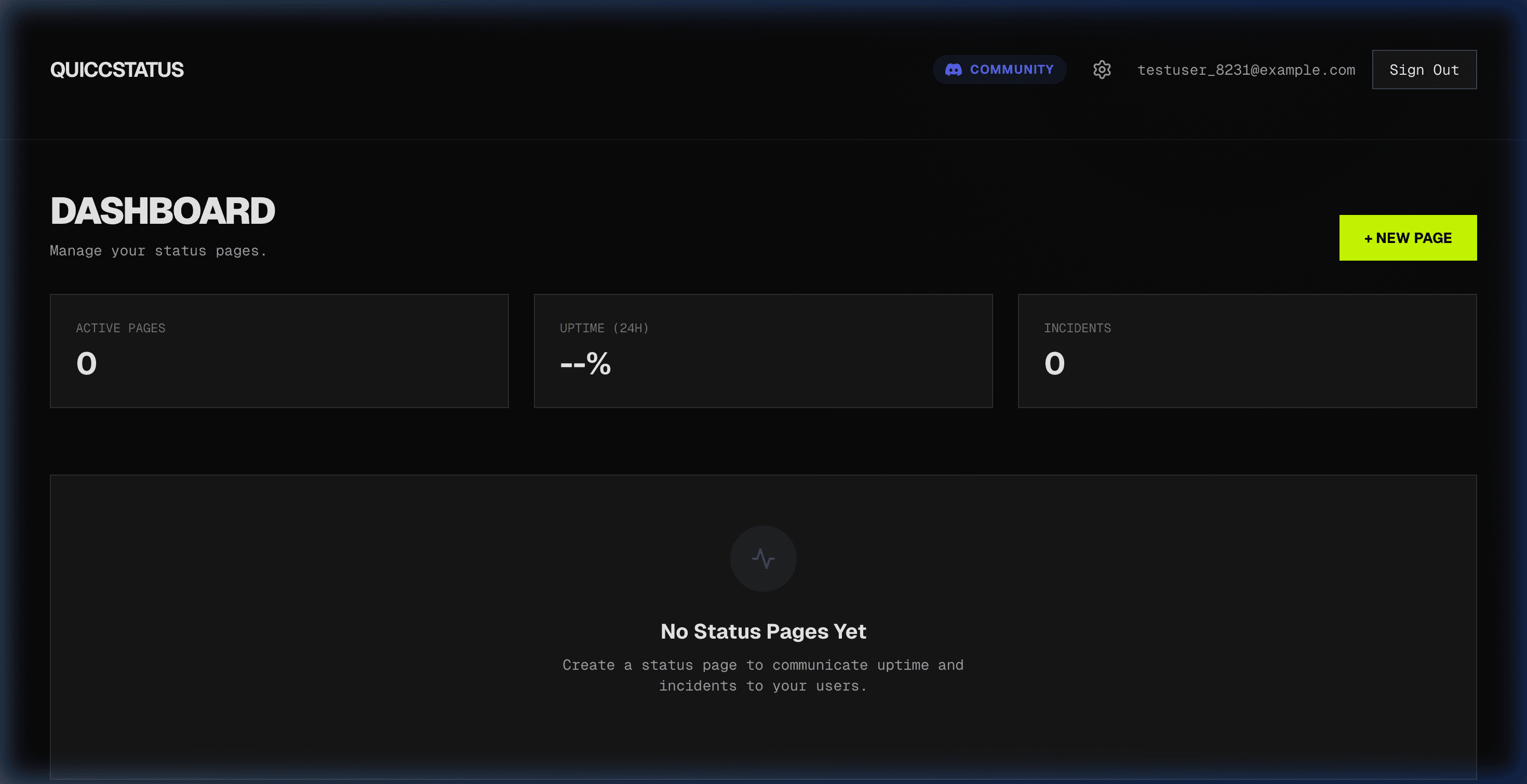
After signing up, you are redirected to your dashboard. This is where you manage all your status pages. The dashboard shows your active pages count, overall uptime, and incident count. Click + NEW PAGE to create your first status page.
Create a Status Page
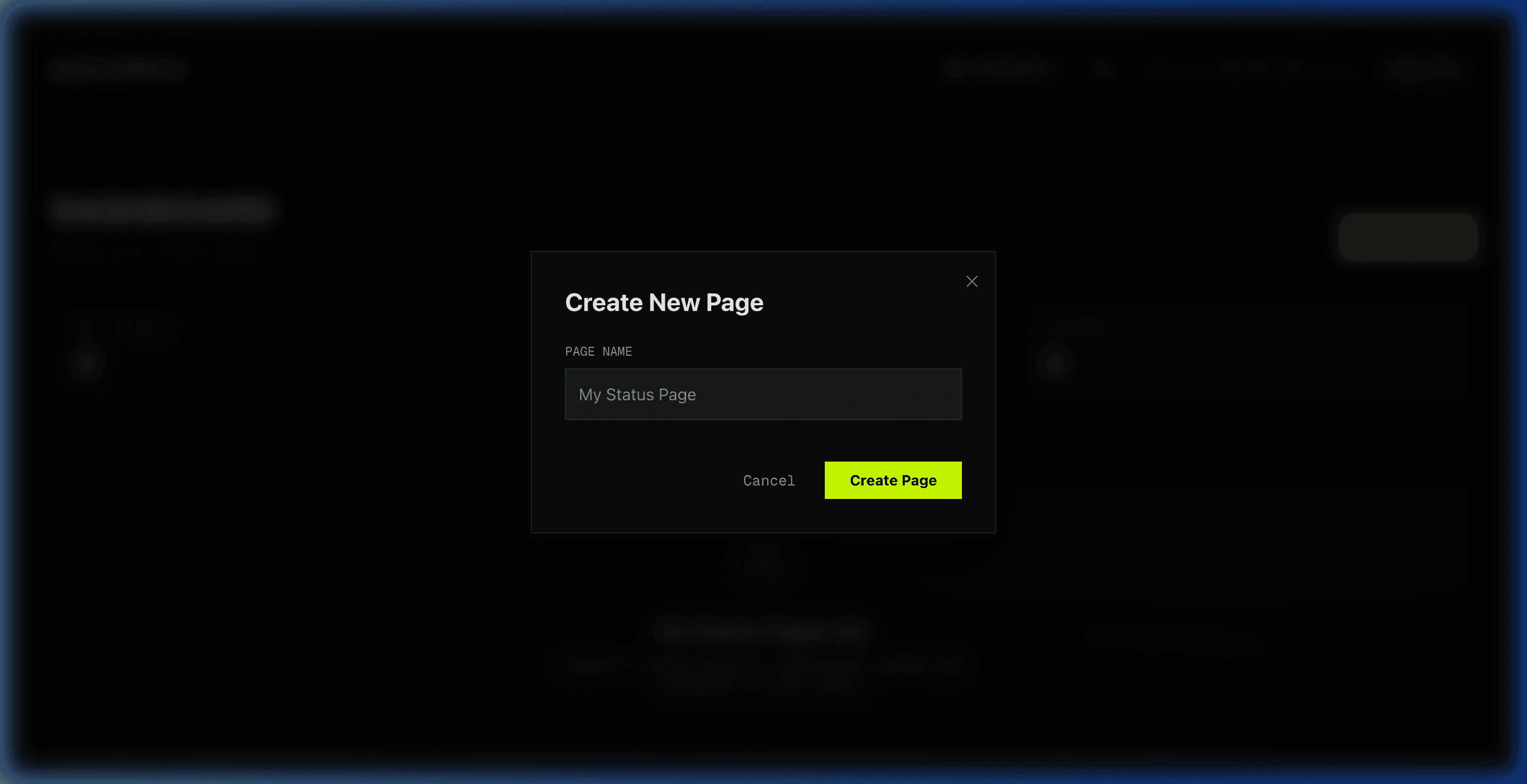
A modal dialog will appear asking you to name your status page. Enter a descriptive name for your page (e.g., 'My Company Status') and click Create Page. Your page will be created instantly with a unique URL.
Your Status Page Dashboard
You are now on your status page detail view. Here you can see your default domain, set up a custom domain, manage incidents, and add monitors. The page comes with a unique subdomain on quiccstatus.com.
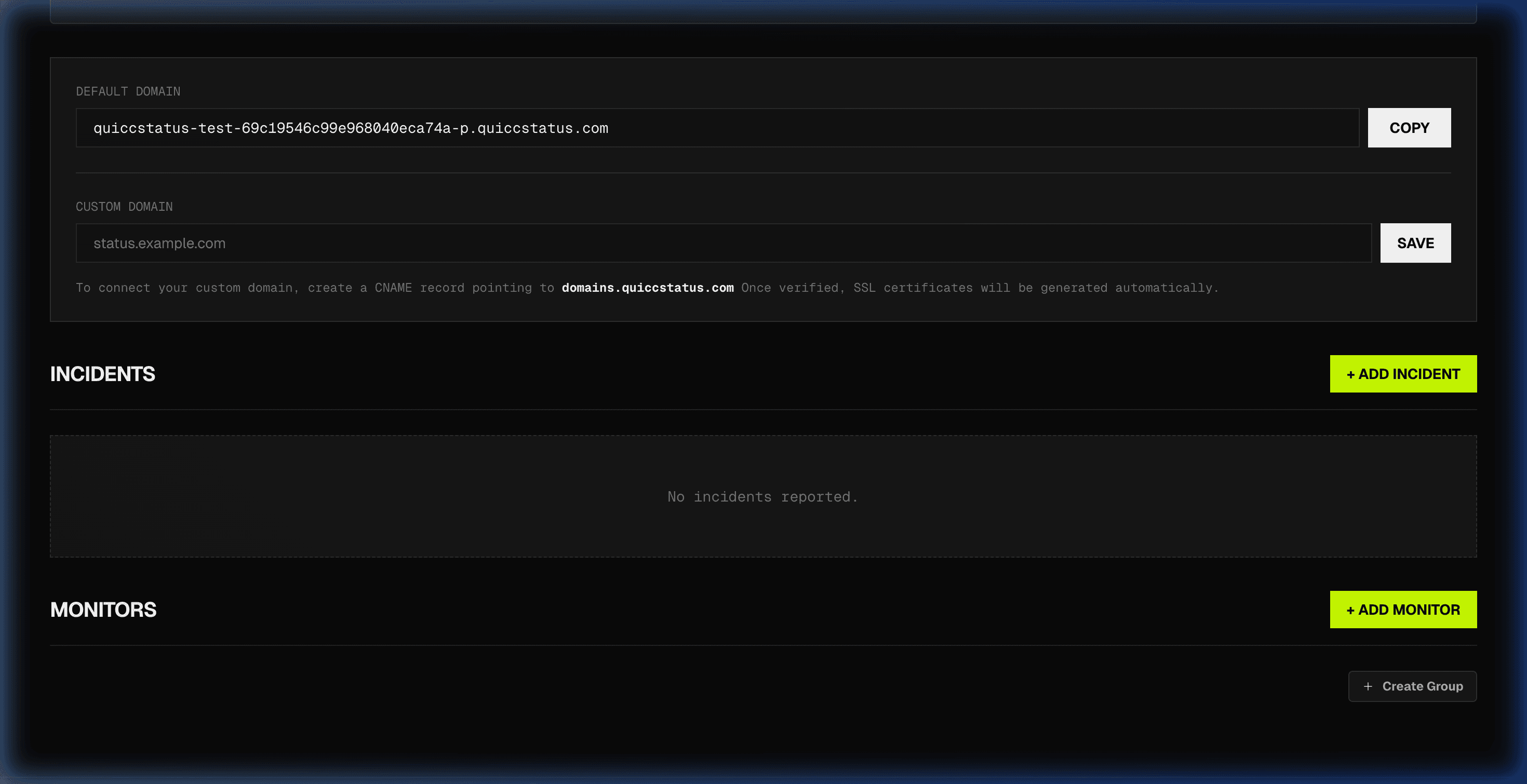
Add a Monitor
Click + ADD MONITOR to open the monitor form. Enter a display name (e.g., 'QUICCSTATUS Website'), paste the target URL (https://quiccstatus.com), select the monitor type (HTTP, TCP, or Ping), set a latency threshold, and configure notification and visibility options. Click Add Monitor to start monitoring.
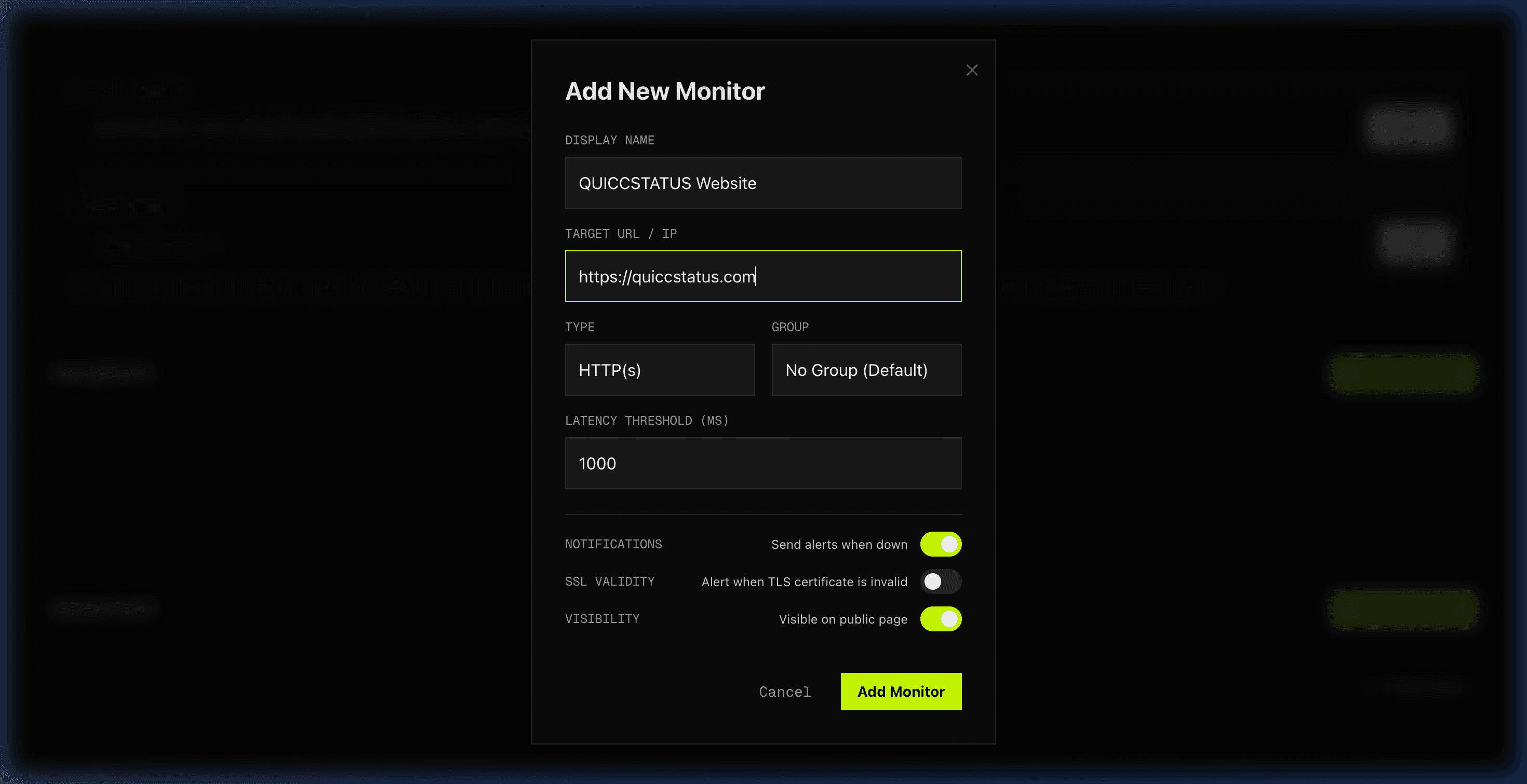
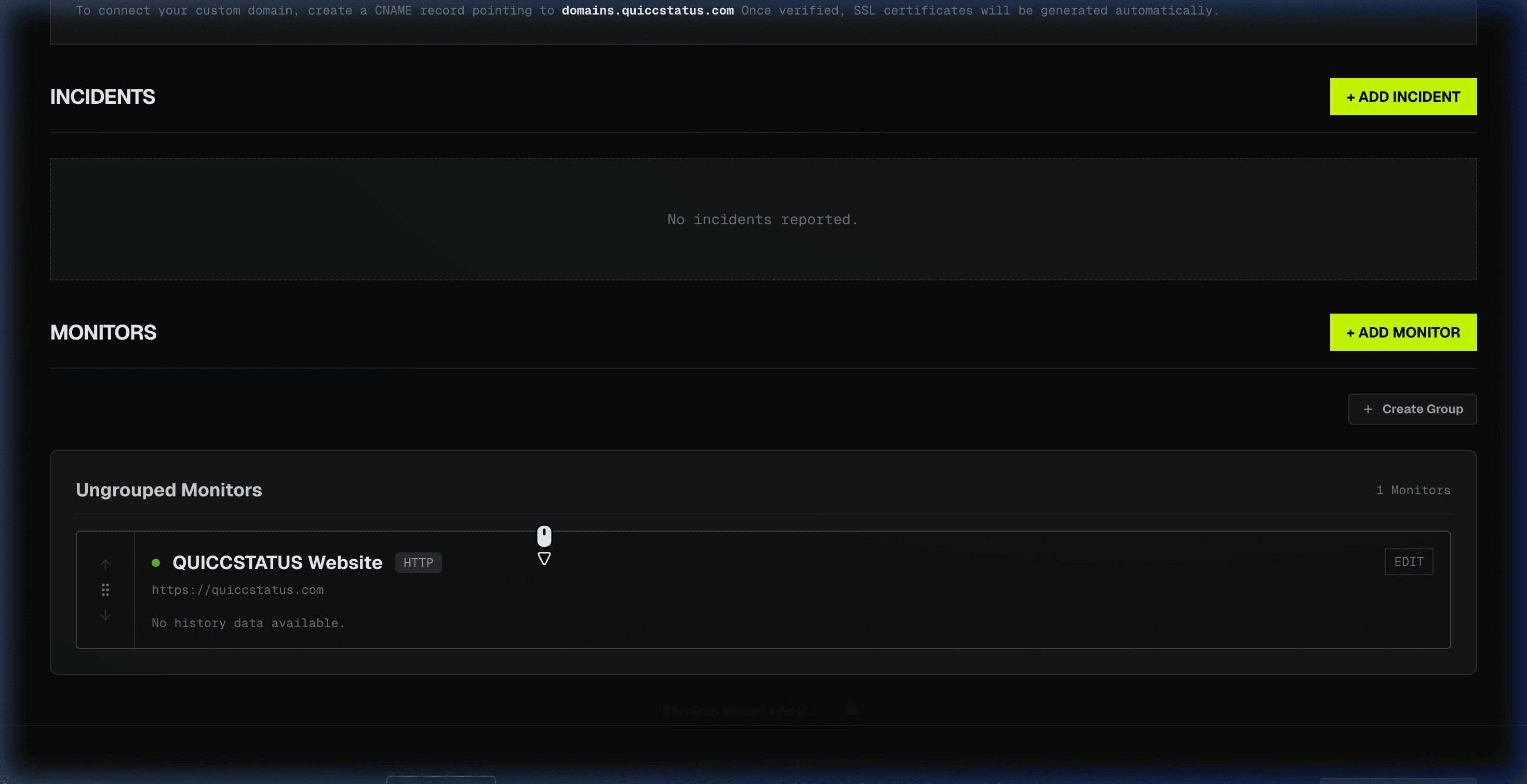
Monitor Active
Your monitor is now live and actively checking the target URL. You can see it listed under Ungrouped Monitors with its status indicator, protocol type, and target URL. The uptime history will populate as checks run over time.
What's Next
- →Set up a custom domain (e.g., status.yourdomain.com) with automatic SSL
- →Configure Discord webhook or email alerts for downtime notifications
- →Add more monitors for different services (API, database, CDN, etc.)
- →Share your public status page URL with your users